Start with a playable loop
Choose one action, one obstacle and one finish condition. For example, collect five keys while avoiding a moving guard, then open an exit. Specify controls, the win state and how to restart. Give the agent that brief and ask it to explain its intended changes before it begins.
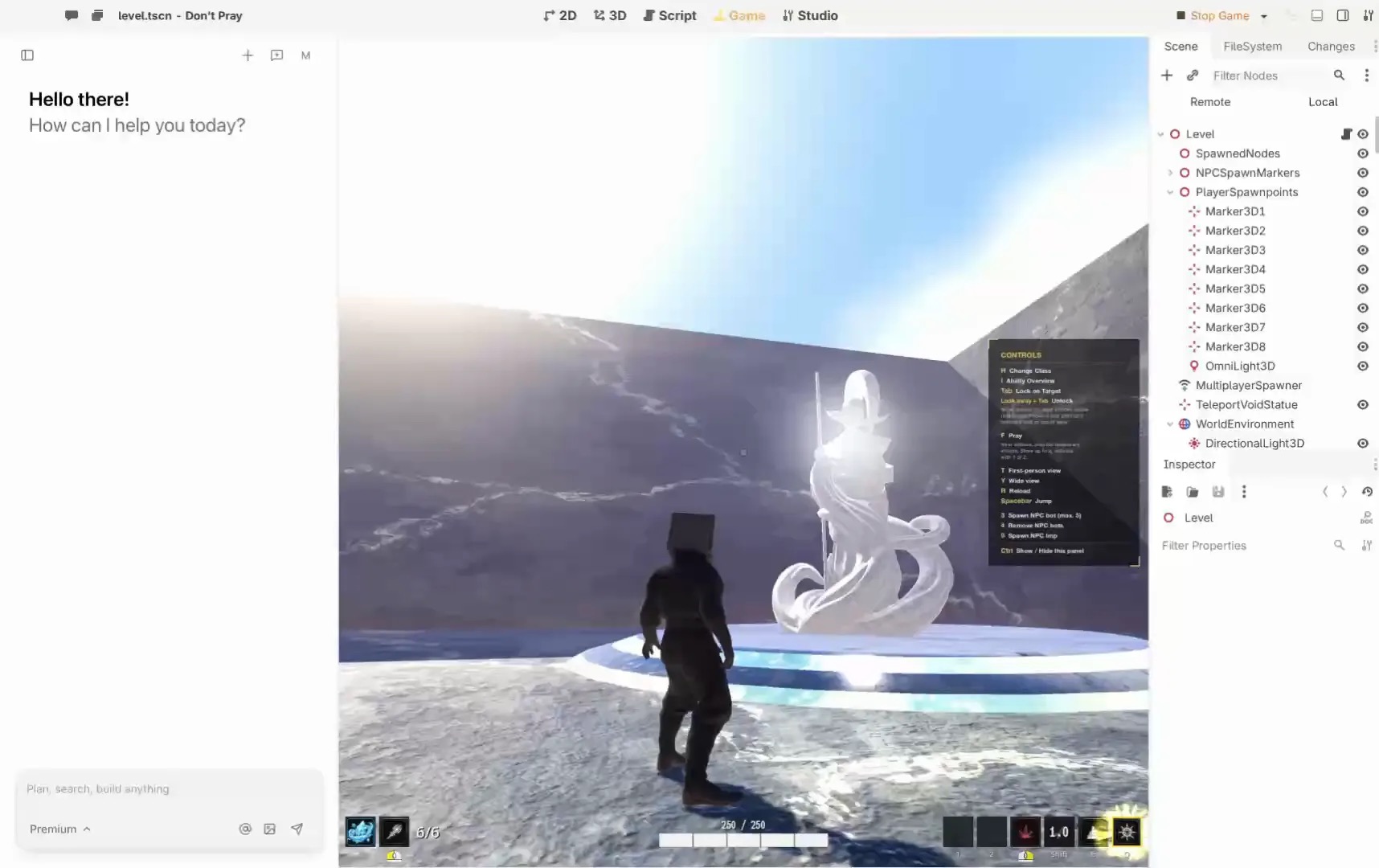
Summer Engine describes an editable 2D and 3D engine that works with its own agent or your agent. Its connection guide documents setup for several coding agents. Use a copy of an existing project when trying a new workflow.
Use short checkpoints
- Agree on the brief. Write the player action, controls and end condition. Remove features that do not serve the loop.
- Build the smallest slice. Ask for a playable room and one interaction. Record the files or scenes changed.
- Play it yourself. Try normal play, a missed interaction, restart and the win condition. Report the actual result, including errors.
- Inspect and revise. Find the rule that controls the interaction. Ask for one change, such as three keys instead of five, and verify the display and exit still agree.
- Save a checkpoint. Keep a known-good copy before a broad edit. Review changes before accepting them.
Give feedback the agent can act on
Replace “make it better” with an observation and expected result: “After collecting the fifth key the counter reads five, but the exit stays closed. It should open.” Include the reproduction steps, relevant error and the game version. Ask for a small fix and replay the same steps.
Review before sharing
Check asset licenses and the intended export target. Run the exported build on the device players will use; an editor preview alone is not a release test. Ask another person to try without instructions and note where they get stuck. The Summer export guide distinguishes browser builds, downloads and Summer Games bundles.
When to stop and simplify
If the same change keeps breaking another mechanic, return to the last working checkpoint and reduce the task. A useful agent workflow makes the game easier to understand and maintain, not just faster to generate once.
A worked session: the key-and-exit game
This is an example exercise, not a test we have run. The goal is to give the agent a bounded task and give yourself a way to decide whether it succeeded. Begin with an empty project or a copy you can discard. Decide the intended device and input before asking for a scene.
Make a single-room 2D game. The player moves with arrow keys, collects three keys and reaches an exit. Show the key count. The exit opens only after all three keys are collected. A restart returns the player, keys and counter to their initial state. First explain your plan and the project you intend to change.
After reviewing the plan, ask for the room and movement only. Play that slice. Then add one key and its counter; verify collection once and check that walking over the same location again does not add another point. Add the exit and remaining keys only after the first interaction works. This sequence makes a defect easier to locate than a single request for a complete game.
Review the second change
Now ask the agent to change the requirement from three keys to five. Before accepting, identify the rule that opens the exit and the display that shows progress. Play with zero keys, four keys and five keys. Restart after winning and check the original state. If the counter says five but the exit remains locked, record those observations instead of asking the agent to “fix everything.”
With five keys collected, the counter shows five but the exit stays closed. Reproduce this using the current project, identify the rule that disagrees, and propose the smallest fix. Preserve movement and restart behavior.
Inspect the proposed change, then repeat the same steps. A successful tool response is evidence that the tool responded; the observed game behavior is the evidence for the fix.
Divide responsibility clearly
The agent can interpret a request, propose changes and use whatever tools its connection actually exposes. The editor and project hold the scenes, assets and code you can inspect. You own the brief, permissions and acceptance decision. Ask the agent where a rule lives, then confirm it in the project. Do not assume a change exists solely because the chat says it does.
Before connecting, identify the target project and account. Summer’s setup guide distinguishes local engine work from remote asset and publishing tasks. Its remote connection has confirmation requirements for sensitive actions. Check the current screen and tool descriptions for the specific action, and never include credentials in a project or prompt.
Recover from a bad edit
Stop adding features when a basic path breaks. Record the exact steps, error and last known working checkpoint. Ask for an explanation of the change before allowing another broad edit. If the cause is unclear, restore the checkpoint in your own version-control or backup workflow, then reapply a smaller change. Keep the broken copy if it helps reproduce the problem, but do not mistake a saved transcript for a working project.
From prototype to a build
Decide where someone will play before adding platform-specific controls. The Summer export documentation separates browser builds, desktop downloads and bundles used by Summer Games. Choose the actual target, follow its current prerequisites and test the resulting artifact on that target. Verify input, restart, sound and a complete win or loss path without the editor open. A build that exports successfully still needs this test.
Questions before the next session
How much should I ask for at once?
Choose a change small enough that you can state its expected result and test it. A single interaction is a better first checkpoint than an entire inventory, shop and quest system.
What if the agent cannot see the editor?
Check the selected project, connection, sign-in and whether the agent needs restarting. Ask for a read-only inspection first. Do not proceed as though the intended editor was changed if the tool reports it is unavailable.
Can I share the first build?
First check rights for assets, the target’s distribution requirements and the actual build. Give a tester the controls and ask them to report the steps and result; do not describe an untested suggestion as a verified game.
About this guide
By Summer, publisher of Agent Playbook. This guide uses the official sources linked above, checked November 8, 2026. The exercises are suggestions, not reported tests.
Disclosure: Agent Playbook is a Summer-owned marketing publication and promotes Summer products. Check providers for current capabilities and terms.